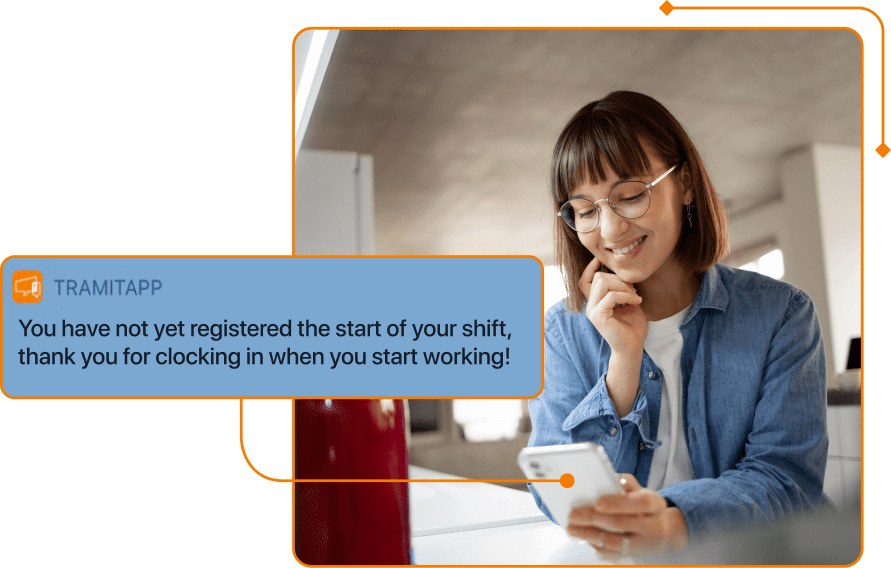
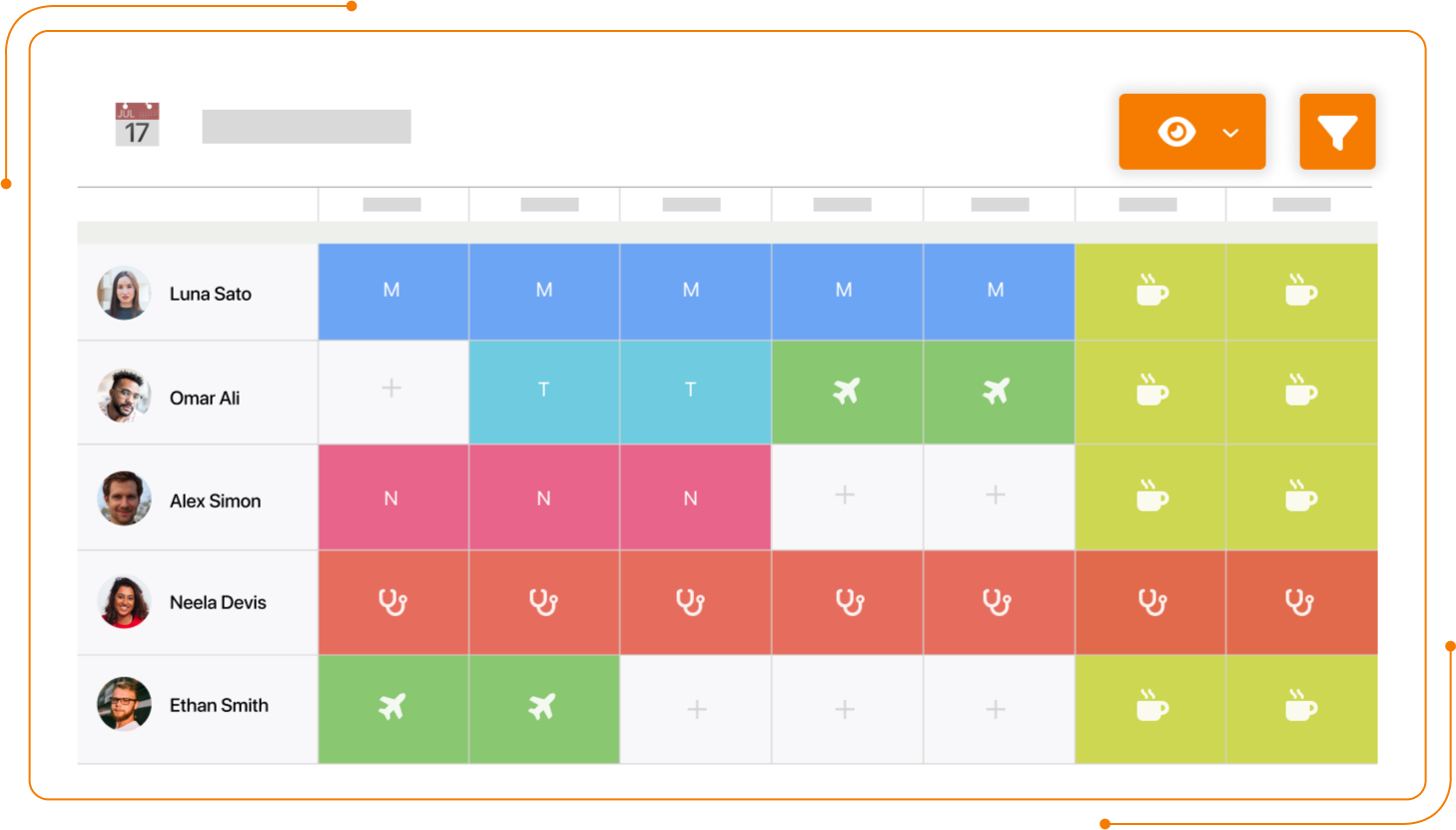
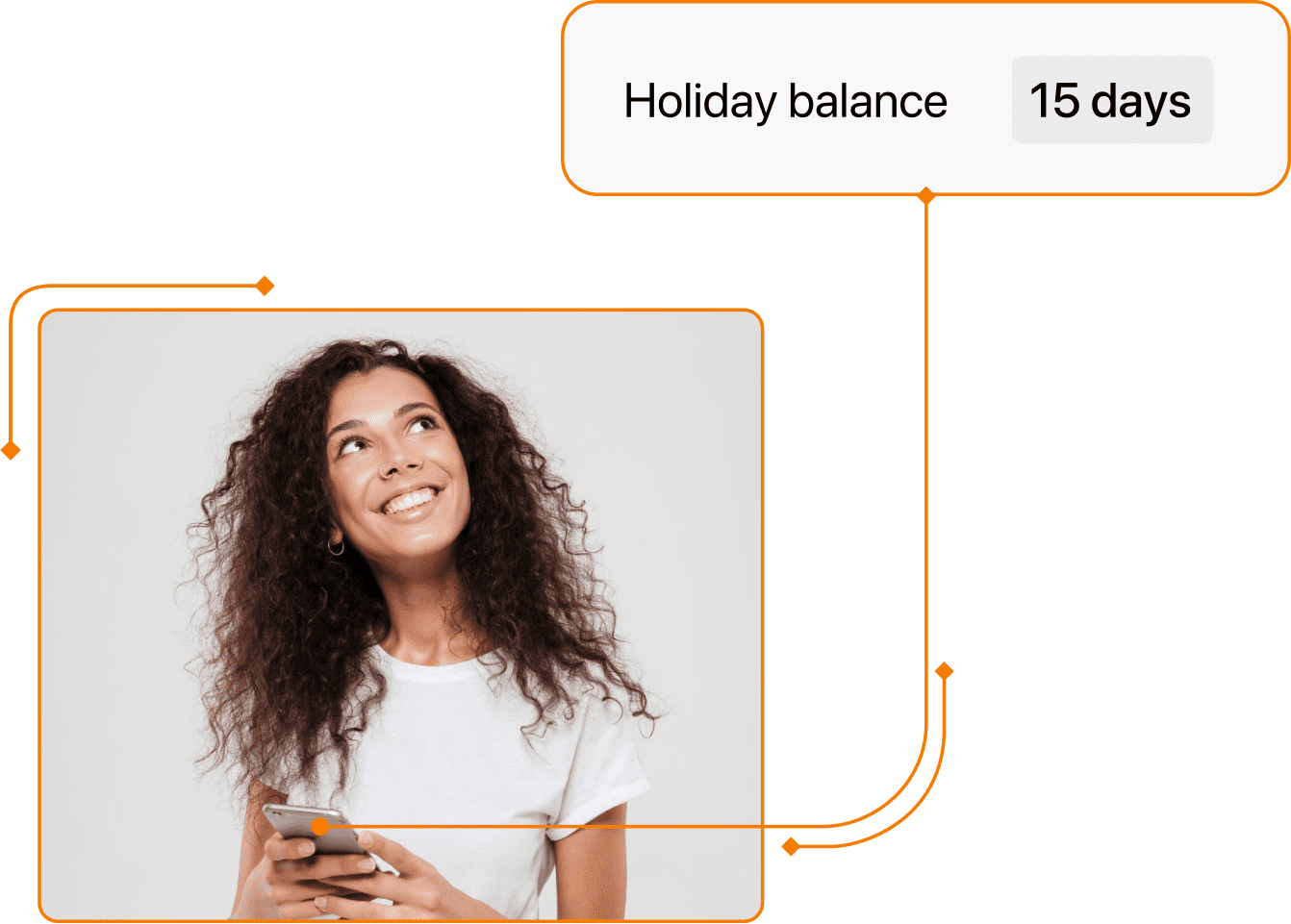
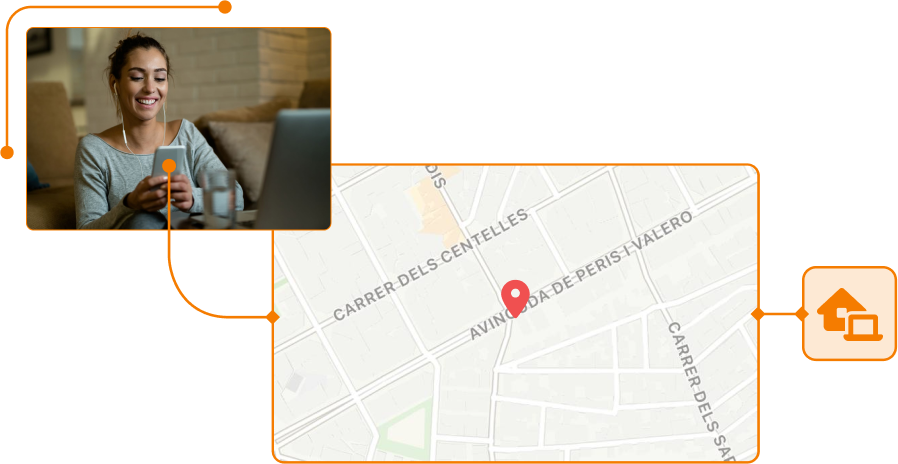
Your team requests remote working days with their manager’s approval and clocks in and out via the mobile app or the website. Each clocking entry records the time and location, and you can restrict where staff can clock in and out. Time and attendance reports can be filtered by project to view the time spent working remotely on each one. The manager can approve clocking entries with issues.
Frequently asked questions about time tracking software
What benefits does time tracking software offer for employee management?
You can see who is in and who is out in real time, with the time and location of their latest clocking entry. Any edited clocking entry is marked as modified, with an auditable reason. You can download the full rota, the Spanish RLT report for workers' legal representatives and the Spanish Labour Inspectorate, and the PDF certificate of the clocking system's legal validity. The analytics dashboard brings together indicators and rankings for compliance, incidents and overtime.
How do you clock in with TramitApp?
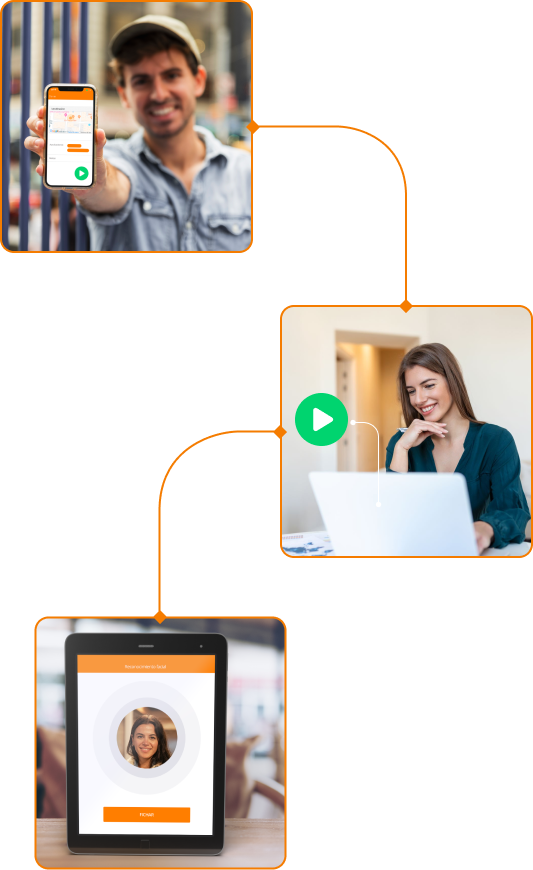
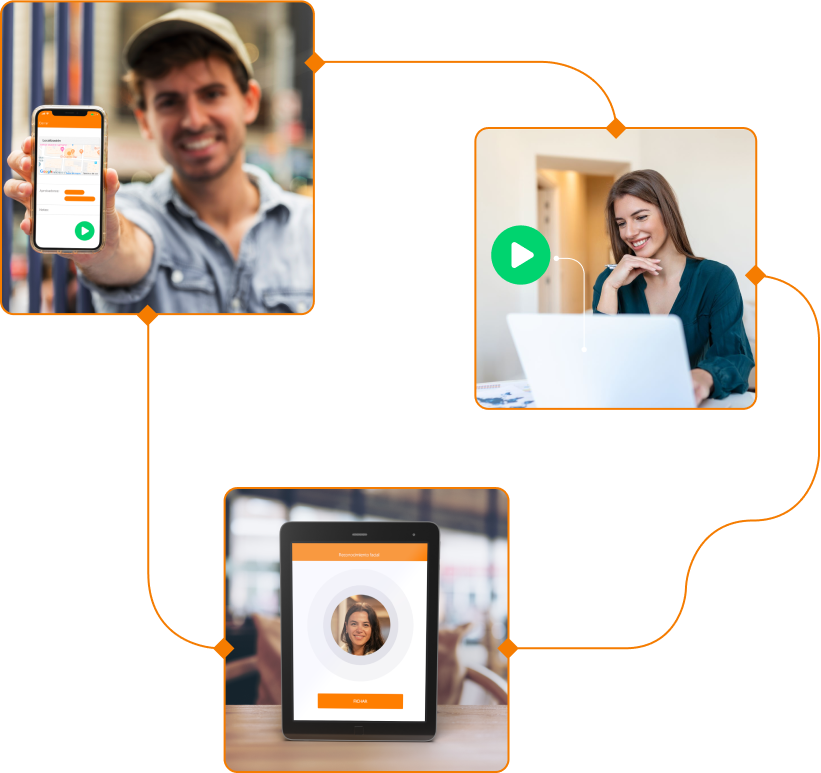
Each employee clocks in through the channel that suits them best: mobile app, web, QR code kiosk or facial recognition. HR sees everything in real time from a single dashboard, including the day's working hours, accumulated overtime and issues awaiting approval. There's no need to install anything on workstations: sign up for TramitApp and start clocking in the same day.
Where can employees clock in from?
Employees can clock in from the mobile app with GPS and location, from the web with optional IP verification or from a kiosk or tablet. They can also clock in via WhatsApp, with an agent that asks for their location if it is missing, or use Telegram. Clocking in with a QR code can use a dynamic code from the app or a static code from the kiosk; clocking in with an NFC card, facial recognition and voice is also available. Each company enables or disables the channels it wants by company, site or employee.
What happens with forgotten or incorrect clocking entries?
Existing clocking entries can be corrected or cancelled and are marked as modified, with an auditable reason. If a clocking entry is missing, a manager can create it manually afterwards. The system sends reminders to anyone who has not clocked in and has an automatic closing feature for working days left open from the previous day. The window for correcting a clocking entry is limited to a set number of days.
How are overtime and lateness managed with TramitApp?
Overtime is managed through a workflow initiated by the employee or manager, with approval escalation. It can be paid or compensated through banked hours, including partial compensation. The alerts dashboard has a dedicated overtime category, and the analytics show rankings of employees with the most overtime and the most instances of lateness. You can also see the percentage of persistent lateness —five or more instances per month— by site or team and how it changes over time.
Does TramitApp's time tracking integrate with payroll and other business software?
Clocking entries automatically feed into TramitApp's own payroll: overtime and absences are converted into payroll items without manual intervention. The integration with A3 Innuva brings employee, contract and absence data into TramitApp. To connect to another system, you also have access to a REST API and imports via SFTP.
Does TramitApp comply with time tracking legislation?
Yes. TramitApp records clock-ins, clock-outs and breaks in accordance with Spanish Royal Decree-Law 8/2019, keeps records for 4 years and exports them for the Spanish Labour Inspectorate in PDF or Excel whenever you need them. Encrypted data on servers within the EU, ISO 27001 certification and server timestamps (not timestamps from the employee's mobile phone). If the Labour Inspectorate calls, you open the dashboard and hand over the day's report.
Can I try TramitApp's time tracking before signing up?
Yes. Request a free, personalised demo and a specialist will show you the dashboard using your specific scenario (office, construction site, on the road or shift work). No obligation, no automatic sign-up and no card required. You only sign up when you're sure it suits your business.
ISO-27001 Certified Company
TramitApp is an ISO 27001 certified company. This standard ensures the confidentiality and integrity of all information as well as the systems that process it.
We have felt very supported at all times by TramitApp. From the beginning, they have helped us adapt the tool to our needs and resolve our doubts.
Pilar Caramés
Director of Administration in People Management,Bankinter
An excellent platform, both for employees and for workforce organization from HR. Simple, ergonomic, and effective. It has provided us with a definitive solution to the time tracking and absence management of our employees.
José Suárez Navarro
Labor Relations Consultant,Forestalia Renovables
An easy-to-use tool that is fully adaptable to the specifics of our entity. Immediate and effective customer service.
Patricia Cordo
Administrative-Financial Coordinator,Ronald McDonald House Charities
Try Time Management and get a complete view of your employees’ workday